
The day I finally built a real family command center was the day I realized my brain was not the best place to store three kids’ schedules, dog-related chaos, and the endless question of “What’s for dinner?” I had tried apps. I had tried sticky notes. I had tried “I’ll remember.” (Spoiler: I did not.)
What actually stuck in our house was a simple wall station built around printed calendars. Big, visible, and hard to ignore. If you have a busy household, this is one of those rare systems that can make the day feel lighter almost immediately.
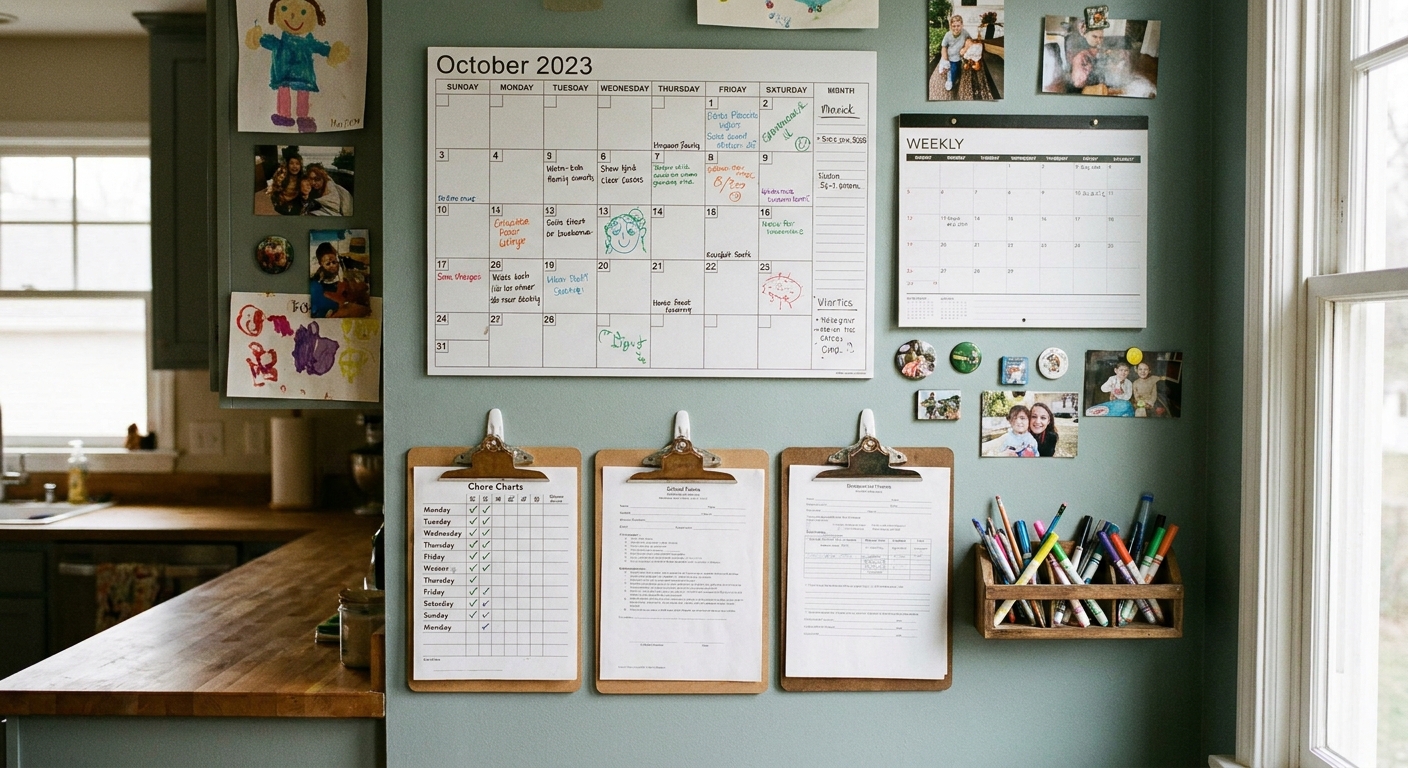
What a master command center does
Before you print a single page, get clear on the job your command center is meant to do. A master setup is not just a calendar. It is one place that answers the daily questions without a family meeting.
- What’s happening and when? Appointments, practices, school events, work shifts, birthdays.
- Who is responsible? Carpools, chores, household tasks, pet care.
- What are we eating? A plan that prevents the 5:30 p.m. pantry stare-down.
- What needs to leave the house? Library books, permission slips, forms, gear.
If your wall station cannot answer those quickly, it will become background decor.
Pick the right wall spot
The best location is where your family already pauses every day. In most homes, that is:
- Near the kitchen, pantry, or where backpacks land
- Close to the door you actually use (not the “front door in theory”)
- In a place adults naturally stand for 30 seconds (coffee maker, lunch-making zone)
Avoid hallways nobody lingers in, the laundry room if kids never go there, or any area blocked by open doors.
My quick test
Stand in the spot and ask: “Could I update this while pasta boils?” If the answer is no, you probably will not maintain it for long.
No-drill and small-space options
If you rent, do not want holes in the wall, or simply have zero extra space, you still have choices. A command center can live inside a pantry door, inside a cabinet door, or on the wall right above your “backpack landing zone” using removable hooks or poster strips. I have even done a “mini version” with two clipboards and a pen cup on a narrow stretch of wall, and it worked because it was in the path of daily life.
What you need
Keep this part boring so you actually start. A basic setup can be as simple as:
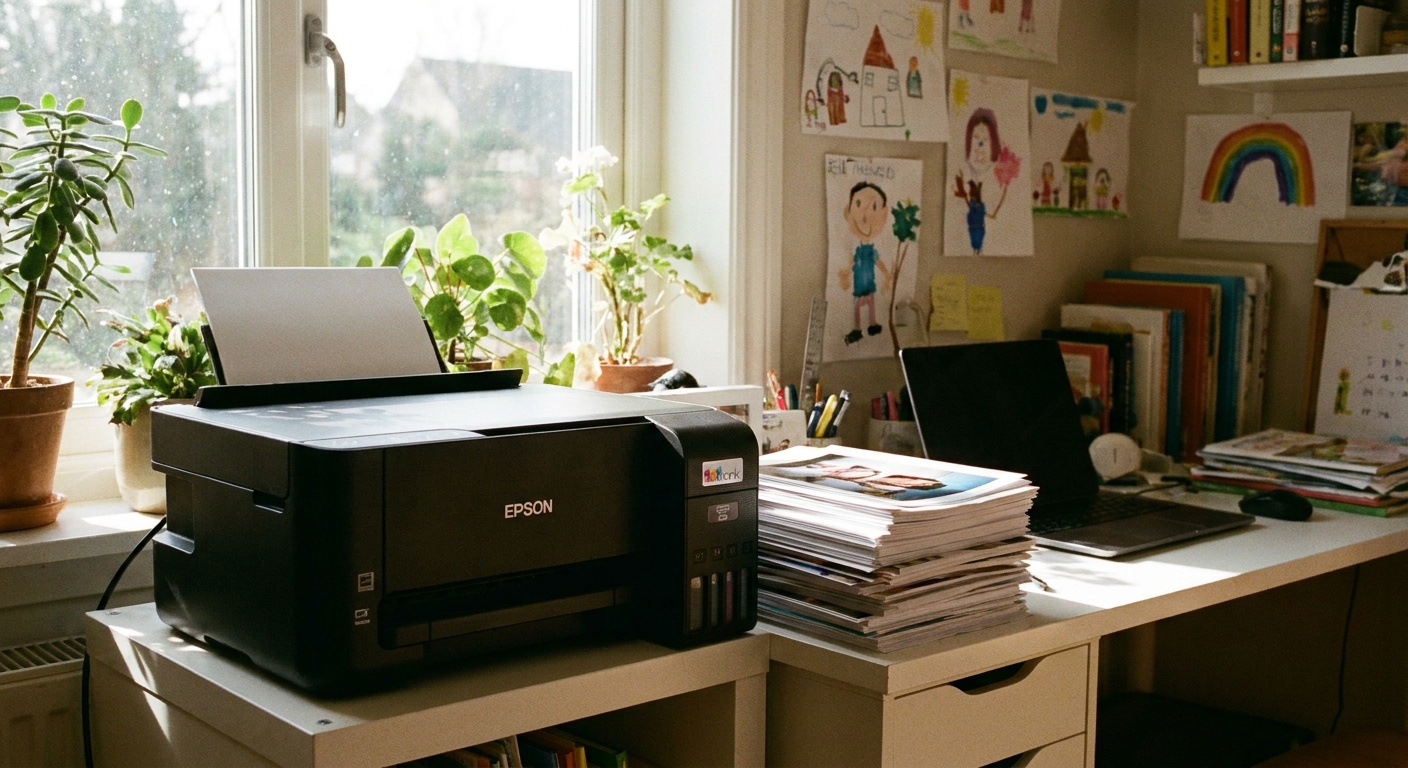
- A printer and paper
- 2 to 3 clipboards or a couple of simple frames
- Clear sheet protectors (optional, but helpful)
- Tape or removable hooks
- One good pen plus a few markers
Choose your components
You can start with a simple three-piece setup and expand later. Here are the printed pieces that tend to earn their wall space.
1) Monthly calendar
This is for anything dated and non-negotiable: events, appointments, games, recitals, school closures. Monthly is your “we need to see the whole month at once” anchor.
- Best paper size: Letter (8.5 x 11) works, but two pages side-by-side (two months) is even better if you have space.
- Best placement: Top-left or center. It is the most referenced piece.
2) Weekly calendar
If the monthly calendar is your map, the weekly page is your driving directions. This is where you list the day-by-day logistics and time blocks.
- Practice times and pickup notes
- Who is cooking
- Work-from-home days
- After-school plan (especially if childcare shifts)
3) Weekly meal plan
I love a fun recipe as much as anyone, but a command center meal plan works best when it is predictable and repeatable.
- Format idea: Dinner plan only, plus a tiny notes box for “prep” (defrost chicken, soak beans).
- Pro tip: Write 6 dinners, not 7. Leave one flexible night for leftovers, breakfast-for-dinner, or life happening.
If you need kid-friendly cooking ideas, I keep quick activities and routines in the same mental “toolbox” as meal planning because they solve the same problem: busy evenings. Our 10-minute no-bake energy bites with toddlers is a good example of a low-stress kitchen win.
4) Chore rotation
This is where printed systems shine. Kids do not have to remember a speech you gave on Monday. They can look up, see their name, and move on.
- Best format: A weekly grid with kid names on one side and 4 to 8 repeatable jobs.
- Keep chores “same effort”: Rotate jobs that take about the same time so it feels fair.
For a fun way to make quick resets happen without nagging, pair your command center with the 10-minute family tidy-up game.
5) Today page (optional)
If your household has lots of moving parts, add one single-page daily sheet. Not forever, just for seasons when life is extra.
- Top 3 priorities
- After-school plan
- Dinner
- One reminder: “Pack shin guards” or “Bring cupcake tray”
Keep printables readable
Printed calendars only work if your eyes can scan them fast. Here is what I recommend after years of redesigning mine because I got too ambitious.
Big blocks, fewer lines
- Leave generous writing space per day.
- Avoid tiny time increments unless you truly need them.
- Build in white space so your brain does not feel stressed looking at it.
One simple code
Pick one system and stick to it for 2 to 3 months before changing anything.
- Color by person: Each family member gets a marker color.
- Color by type: Blue for school, green for sports, red for medical, purple for social.
If you have young kids who cannot read everything yet, color-by-person tends to be easier.
Fonts that actually print
Even if you are designing your own pages in a word processor, use a clean, bold font and avoid light gray lines that vanish on home printers.
Printing tips
You do not need fancy supplies, but a few choices can save you from constantly reprinting wrinkled pages.
Paper
- Good: Standard copy paper if you plan to replace weekly.
- Better: Slightly heavier paper (around 28 to 32 lb) for monthly calendars, which tends to curl less.
Ink and readability
- Use “normal” or “standard” print quality for weekly sheets.
- Use higher quality for the monthly calendar if the grid lines are faint.
Protect pages without laminating everything
Lamination can be great, but it is also a commitment. Easier options:
- Slide pages into clear sheet protectors and write on them with a dry-erase marker.
- Use a simple frame (front-loading frames make swaps easier).
- Use a clipboard for weekly sheets so you can replace them in seconds.
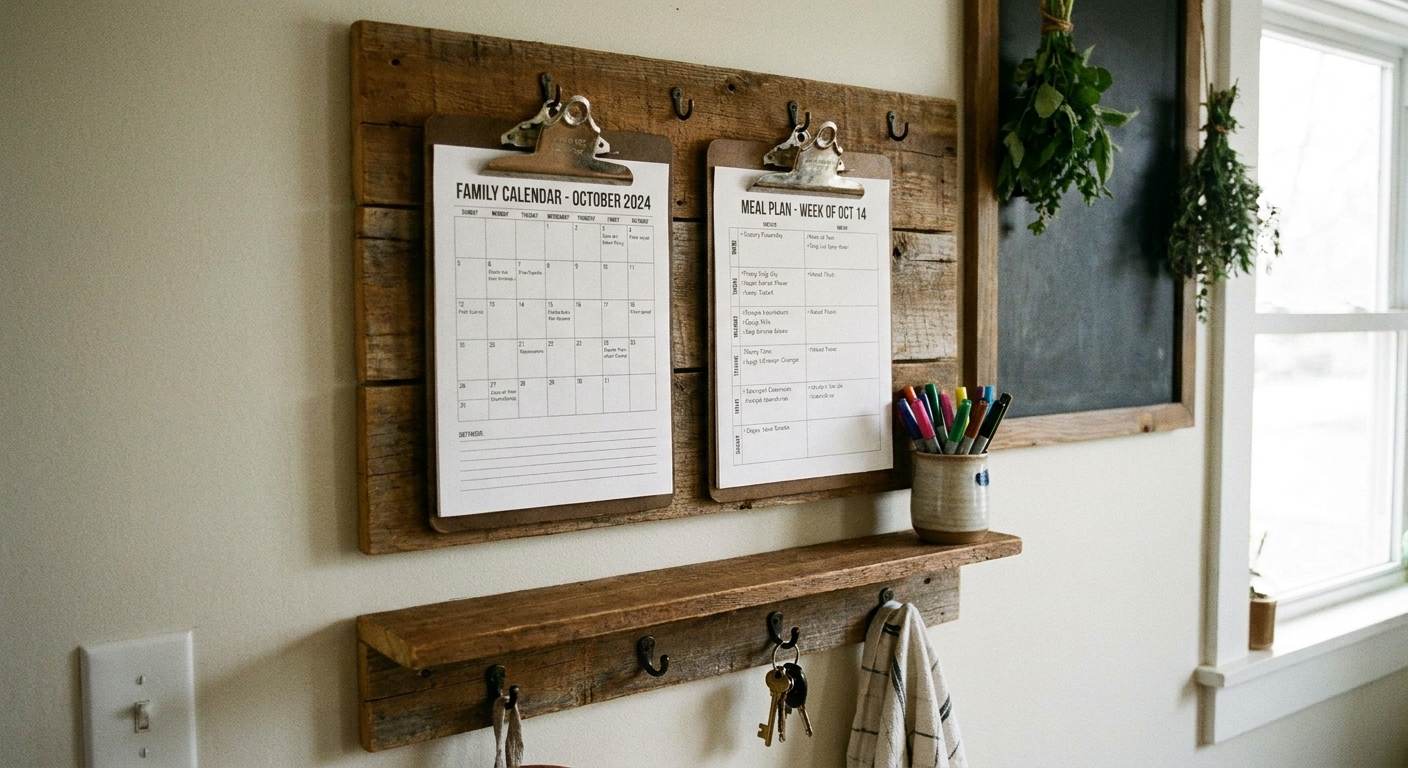
Set it up like a cockpit
This is the layout that works best for most families because it follows how you actually use the information.
Most-used zone at eye level
- Weekly calendar
- Meal plan
- Today page (if you use one)
Reference zone
- Monthly calendar
- School calendar highlights
Action zone
- Chore rotation
- Permission slips to sign
- Return items bin (library books, forms, borrowed gear)
Give supplies a home
If the pen is missing, the system slows down fast. I like:
- A small cup or magnetic pen holder
- One black pen, your color markers, and a highlighter
- Sticky notes for temporary reminders
Privacy and guest-proofing
This is the one part people forget until they host a birthday party and suddenly the whole neighborhood is standing near the calendar.
- Skip phone numbers, addresses, and account details on the wall.
- Consider using initials for appointments that feel personal.
- If you track custody schedules, travel dates, or anything you would not want a visitor to glance at, keep that on a private page inside a cabinet door or in your phone.
What to track (and what not to)
One reason command centers fail is because we try to capture our entire lives on one wall. You want enough information to stay organized, not so much that it becomes visual clutter.
Track these
- Time-sensitive events: school events, appointments, games, due dates
- Transportation notes: who drives, pickup times, carpool swaps
- Meal plan and a short grocery reminder list
- Chores that keep the house running
Skip these
- Long journaling or memory-keeping
- Detailed budgeting
- Huge to-do lists that never end
If you want a separate printable-focused hub for other routines and activities, our Printables guide is a nice place to browse ideas that pair well with a command center.
Weekly reset routine
Maintenance is the difference between “this changed our life” and “this is a cute wall thing we ignore.” I aim for a weekly reset that takes about 10 minutes. Some weeks it is faster. Some weeks it is not. The point is that it is short enough that you will actually do it.
- Pick your reset time: Sunday afternoon or Friday morning tends to work.
- Update the monthly calendar: Add new dates from emails and backpacks.
- Fill in the weekly calendar: Write the fixed commitments first.
- Plan dinners: Choose 6 meals, check pantry, list 10 to 15 grocery items you actually need.
- Set the chore rotation: Keep it consistent so kids can predict it.
- Do one quick launch pad sweep: Put return items in the bin so they are ready by the door.
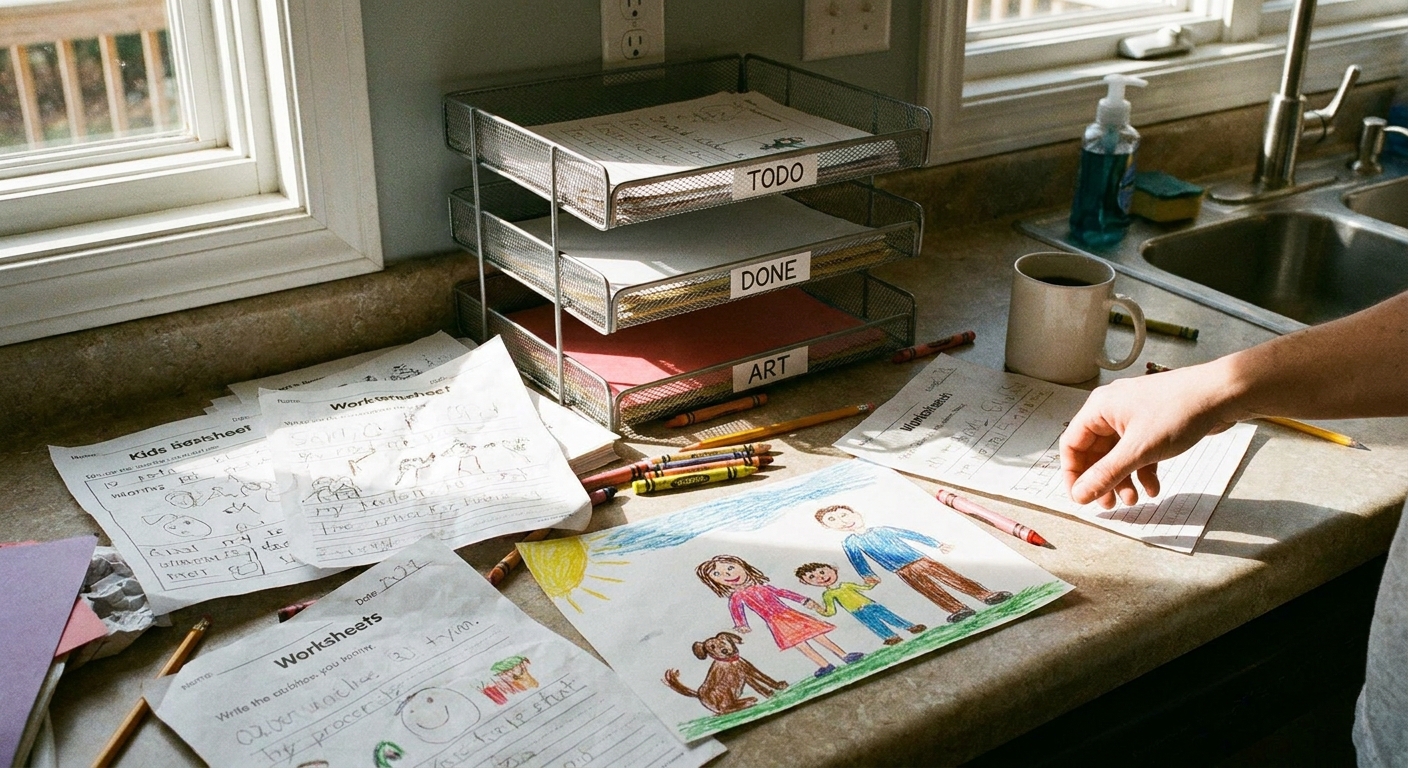
Paper tip that saves my sanity: if something lands in the “papers to deal with” tray, it has to leave the tray within 7 days, either handled or tossed. Otherwise it becomes a paper museum.
If you want to make that reset feel less like work, I love pairing it with a tiny family ritual. Even something simple like doing the update while kids listen to a short story podcast can keep everyone near you and less tempted to wander off. (This is why I keep a list of kids story podcasts for a 10-minute dinner window handy.)
Troubleshooting
We do not use it consistently
Make one person responsible for updates, but treat the station as your household “single source of truth” for day-to-day logistics. If it is not on the wall, it is easy to forget. (Work calendars, school portals, and medical apps still exist, of course. The goal is to translate the stuff that affects the household into one visible place.)
My kids ignore it
Give them one reason to look at it daily. For example: their chore and their after-school plan. Also, keep kid-related info at kid-eye level.
We have too many schedule changes
Use pencil for weekly planning or place weekly pages in a sheet protector so you can erase. Save marker colors for the monthly view.
It looks messy fast
That is usually a layout issue, not a you issue. Reduce categories, increase writing space, and move the paper pile items (forms, invitations) into a single tray or folder so they stop spreading.
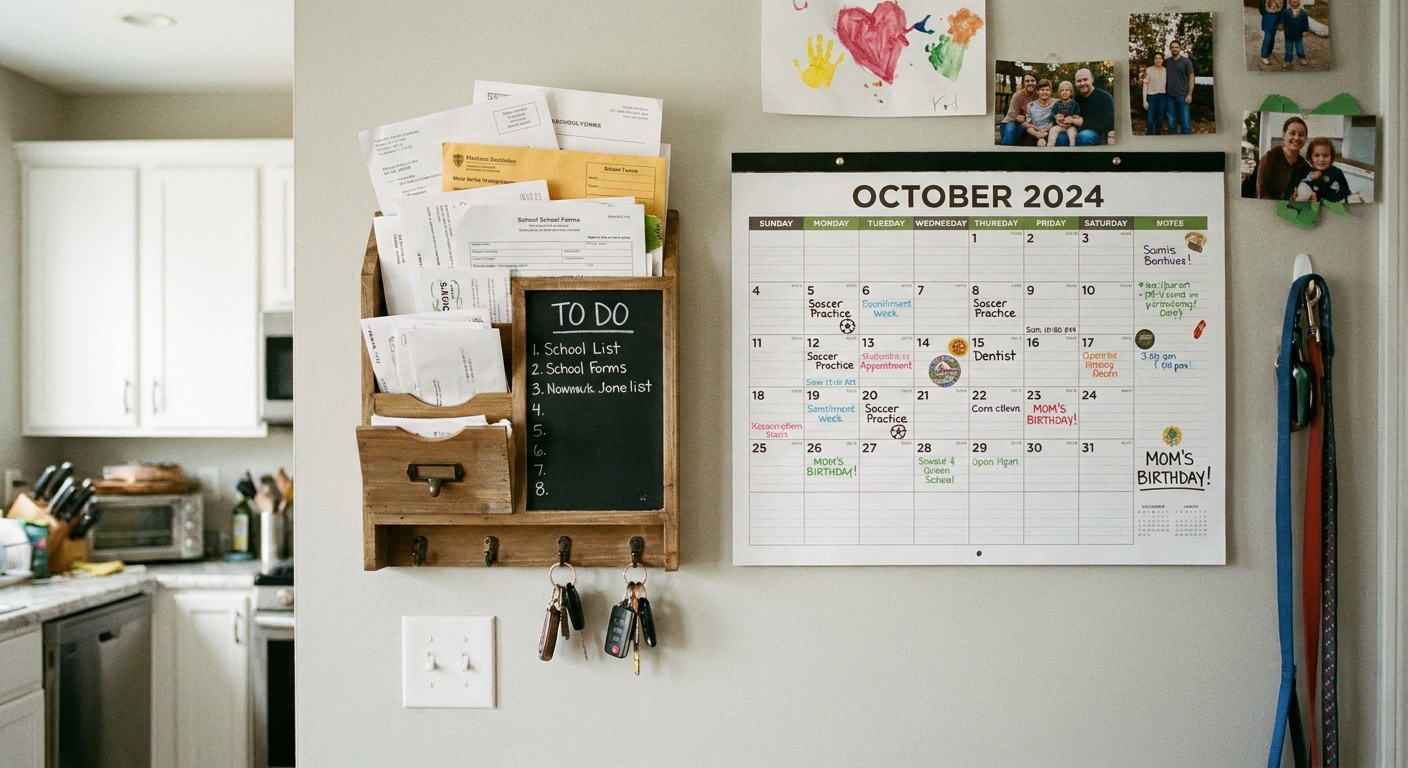
A sample setup
If you want a no-overthinking starting point, here is a setup that works in most homes and does not require special tools.
- One monthly calendar in a simple frame
- One weekly calendar on a clipboard
- One weekly meal plan on a clipboard
- One chore rotation in a sheet protector
- One small container holding a black pen and 3 to 5 markers
- One tray or folder labeled in your mind as “papers to deal with” (no complicated labeling required)
Once that is running smoothly for a couple of weeks, you can add extras like a today page or a habit tracker. Start small. A command center succeeds because it gets used, not because it looks perfect.
Keep it calm
The goal of a master family command center is not to turn your kitchen into a project management office. It is to make the next decision easier, the next transition smoother, and the whole household a little more independent.
If you build a wall station that your family can read at a glance, you will feel the difference. Less repeating yourself. Less last-minute scrambling. More moments where you are actually present, even on a busy week.