

There is a very specific sound that tells me I have made a mistake: the printer firing up right as a kid announces, “I need this worksheet tomorrow,” followed by the low-ink warning that I swear was not there yesterday.
If your house runs on coloring pages, reading logs, chore charts, and the occasional “I made this in Canva at 11:47 p.m.” permission slip, your printer choice matters. For high-volume family printables, the decision usually comes down to refillable tank inkjet (EcoTank-style) versus laser.
Let’s break it down in plain-parent language so you can pick the one that keeps up without quietly draining your budget.
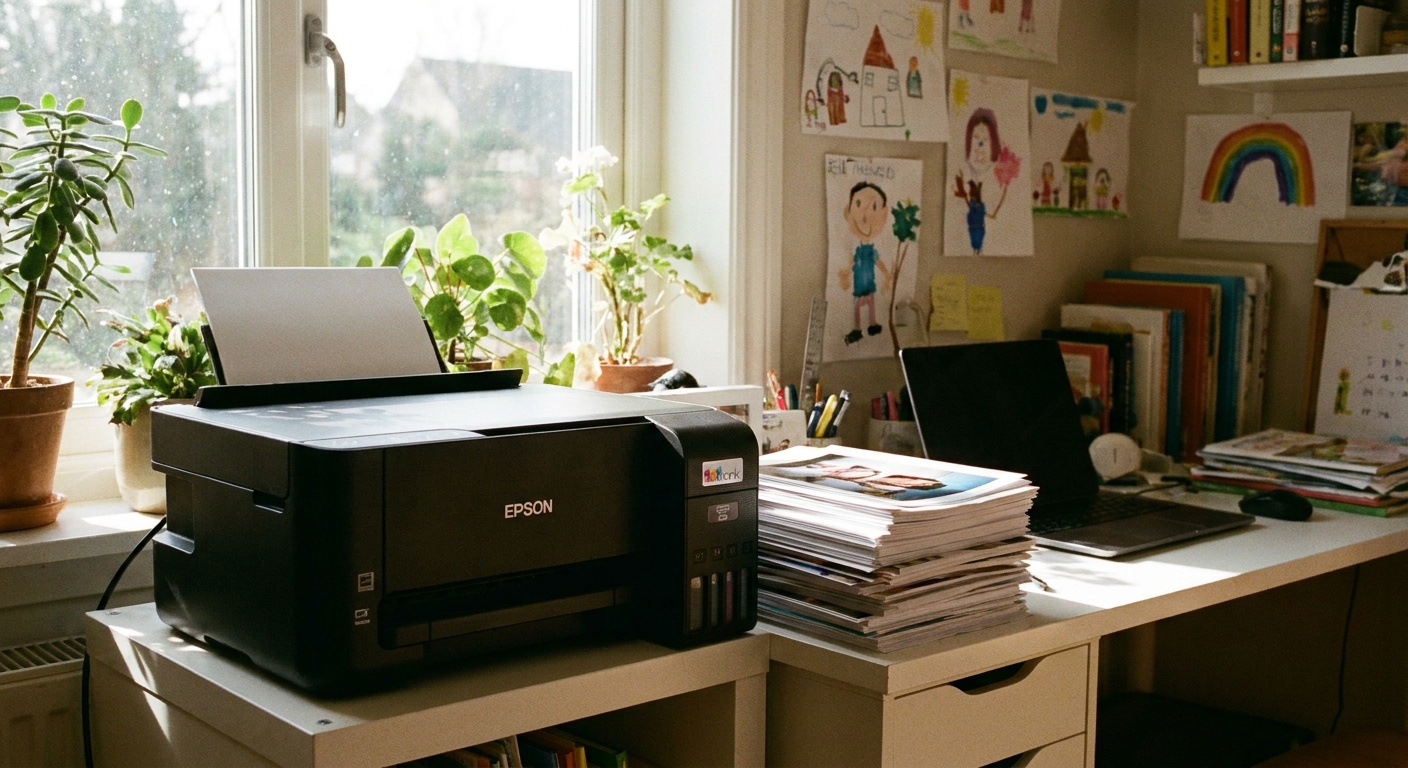
EcoTank vs. laser at a glance
If you only read one section, make it this one.
| What matters for families | Tank inkjet (EcoTank-style) | Laser (toner) |
|---|---|---|
| Cost per page | Often the lowest, especially for color pages | Very low for black-and-white; color can be pricey |
| Best for | Coloring pages, charts, color school printables, mixed color and B&W | High-volume black text: worksheets, homework packets, forms |
| Upfront price | Higher than basic inkjets, often moderate to high | Often moderate for B&W; higher for color laser |
| Speed | Good, but typically slower than laser | Usually faster, especially for text |
| Print quality | Strong color; good text (varies by model) | Excellent crisp text; color is solid but not “photo-lab” |
| Maintenance | Needs regular use to avoid clogged nozzles | Low fuss if it sits for weeks (though maintenance parts exist) |
| Paper handling | Often decent, can be pickier with cheap paper | Usually strong feeding with standard copy paper |
Choose based on what you print
Pick a tank inkjet if you print lots of color
If your kids print coloring pages like it is their full-time job, refillable ink tanks are hard to beat. The “ink cost panic” mostly goes away because you are not swapping tiny cartridges that empty at the worst possible moment.
- You will love it for: coloring pages, teacher packets with color icons, schedules, labels, reward charts, maps, craft templates
- Watch-outs: inkjets can clog if they sit unused. If you go weeks without printing, plan to run a quick color test page now and then.
Pick laser if you print mostly black-and-white text
Laser is the calm, responsible friend of the printer world. If your heavy printing is mostly plain worksheets, math drills, reading passages, and forms, a monochrome laser printer is often the simplest, most economical long-term choice.
- You will love it for: crisp homework pages, bulk packets, permission slips, calendars, checklists
- Watch-outs: if you choose color laser, replacement toner sets (and sometimes a separate drum) can get expensive fast compared to tank ink for color-heavy households.
For families who do both, here is a realistic rule of thumb: if color pages are more than roughly one-quarter of what you print, a tank inkjet is often the better deal. But it is not a magic cutoff. It depends on ink and toner pricing, your page coverage, and whether your “color pages” are light charts or full-coverage masterpieces.
Cost per page math (no headache)
Manufacturers love to advertise page yields, but family printing is messy: kids print the wrong page, you reprint because somebody colored on the instructions, and half your worksheets are “draft quality but still needs to look decent.”
Tank inkjet costs: usually lowest for frequent family printing
Tank printers cost more upfront, but the bottles of ink typically produce thousands of pages. That is what makes them so attractive for high-volume households.
Also worth knowing: page-yield estimates assume standard coverage. Kids’ coloring pages (and anything with big blocks of color) use more ink per page. That is exactly where tank ink tends to shine, because you are not watching a tiny cartridge drain in real time.
Budget tip from my house: I treat printer ink like pantry staples. When I notice one color getting low, I reorder then, not when it is empty. Waiting until “empty” is how you end up printing a 12-page packet in neon-magenta-only mode.
Laser costs: predictable and great for black text
A monochrome laser printer paired with a high-yield toner cartridge can crank out a lot of pages at a very steady cost per page. You also avoid the inkjet-style nozzle checks and cleaning cycles.
But: lasers are not maintenance-free forever. Depending on the model, you may eventually replace a drum unit or maintenance kit in addition to toner. It is still usually straightforward, just something to plan for.
One more gotcha: color laser can be the sneaky budget buster because there are multiple toner cartridges (and sometimes a drum unit) that may need replacement.
Family-friendly features that matter
Here is what I prioritize when I recommend printers to other parents. Specs are nice, but these are the things you will feel day-to-day.
1) Auto duplex (two-sided printing)
If your kids bring home multi-page packets, auto duplex is a paper-saver and a sanity-saver. You can still do manual duplex, but it is exactly as annoying as it sounds.
2) ADF scanner (automatic document feeder)
For school forms, permission slips, and scanning your kid’s art before it takes over the kitchen counter, an ADF is worth it. Flatbeds are fine, but feeding a stack is faster.
3) Strong Wi-Fi and easy phone printing
If printing requires a laptop ritual, it will not happen when you need it most. Look for reliable mobile printing support and a printer that reconnects easily after power blips.
4) A paper tray that holds a full ream (or close)
Family printing means you do not want to reload paper every other day. A bigger tray also reduces misfeeds from half-loaded stacks.
5) Draft or toner-save mode that stays readable
For everyday worksheets, draft modes can save ink and speed up printing on many inkjets. On lasers, “toner save” settings vary by model. The savings can be modest, and sometimes the text gets faint. I use it when it still looks clear enough for actual homework.
6) Highlighters and smudging
If your kids (or you) highlight everything, this matters. Laser text is usually more smear-resistant with highlighters. Some inkjet prints can smudge if the ink is not fully dry or if the paper is very cheap. A slightly better copy paper helps a lot.
Tank inkjet: best fits and cautions
Tank inkjet is a great choice if:
- Your kids print a lot of coloring pages and you want to stop rationing ink.
- You print color schedules, routine charts, or visual supports.
- You want a low long-term running cost for mixed printing.
Tank inkjet cautions for busy families
- Inkjets like to be used. If your printer sits unused for long stretches, you might deal with cleaning cycles or clogged nozzles.
- Cheapest paper can look rough. For heavy coloring, I keep a slightly better copy paper on hand. It reduces bleed-through and makes crayons and markers look nicer.
- Not all tank printers are equal. Pay attention to reviews that mention Wi-Fi reliability and paper feeding, because those two issues are what make parents hate a printer.
- Photo expectations. Many tank inkjets can do nice casual photos on photo paper, but not all are photo-focused. If “keep-sake photos” are a big part of your printing, it is worth checking whether the model is built for photos or mostly for documents.
Laser: best fits and cautions
Laser is a great choice if:
- You print mostly black-and-white homework, worksheets, and forms.
- You want fast printing and sharp text.
- You sometimes go weeks without printing and do not want ink headaches.
Laser cautions for family printable lovers
- Color laser is not always the bargain it seems. If you print lots of color pages, the cost of keeping four toner cartridges stocked can add up.
- Size and noise. Some laser printers are larger and louder, which matters if your printer lives in a bedroom closet office.
- Heat and airflow. Laser printing uses heat to fuse toner, so prints can come out warm. Some models also have a “warm electronics” smell while running. I prefer to keep a laser in a reasonably ventilated spot, not tucked into a tiny sealed cabinet.
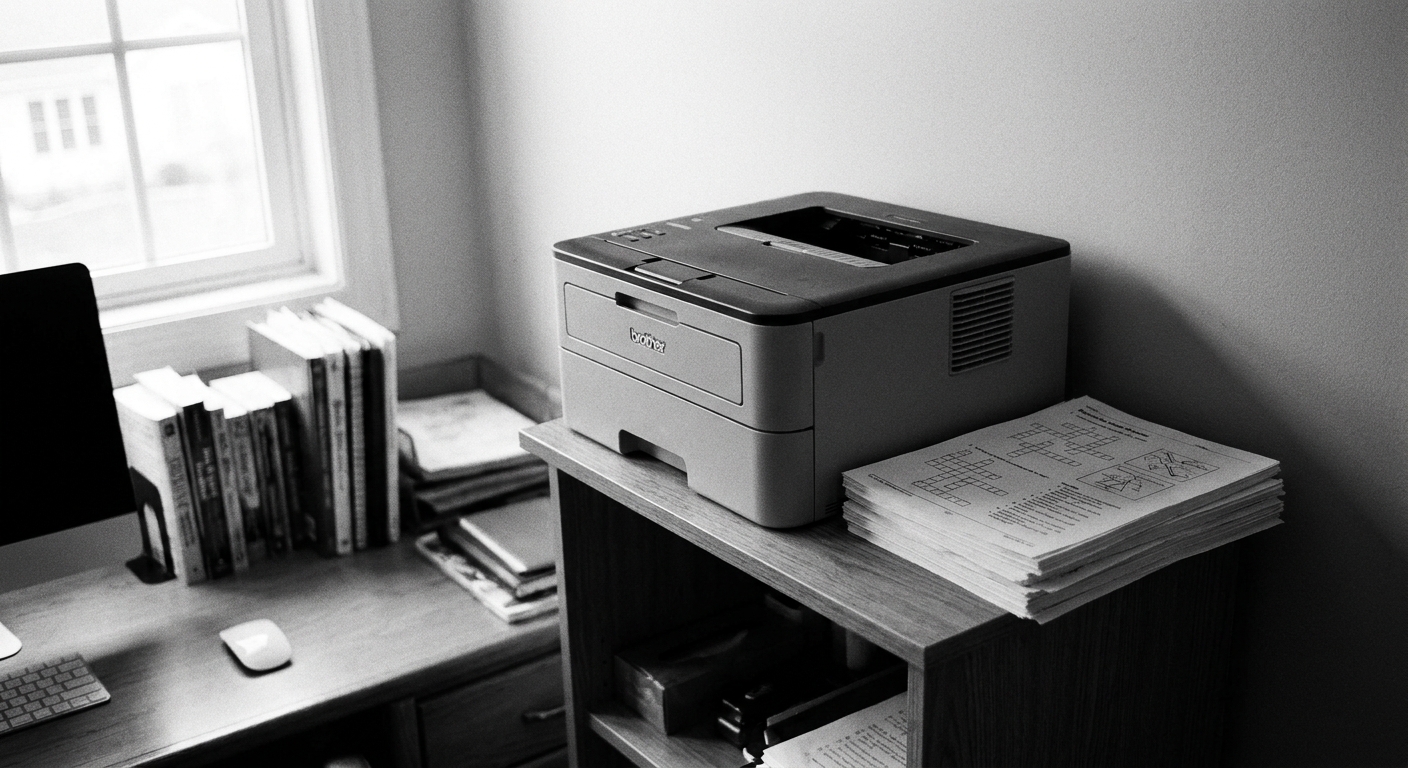
Best picks by scenario
I am not going to pretend there is one perfect model for every house, because what matters most is how you print. Here are the best matches for real-life family printable needs.
Scenario A: The coloring page house
Best choice: tank inkjet (EcoTank-style).
Why: Color pages are where cartridge printers hemorrhage money. Tank printers keep color affordable and guilt-free.
Scenario B: The homework packet house
Best choice: monochrome laser.
Why: Fast, crisp, reliable, and very low cost per page for black text.
Scenario C: The everything-all-at-once house
Best choice: tank inkjet for many families, unless nearly everything is black text.
Why: You are mixing color and text all week. For a lot of households, tank ink is the cheapest way to do that at volume.
Scenario D: The occasional printer house (but when you print, you print)
Best choice: monochrome laser.
Why: Laser can sit quietly and still behave when you need it for a last-minute packet.
My no-regret printing setup
Regardless of tank inkjet or laser, these small habits keep printing cheaper and smoother in real life.
- Keep one “good paper” stack. Use it for certificates, color pages, and anything you want to look nice. Use basic copy paper for drill sheets.
- Set the default to duplex. If your printer lets you also set a “economy” mode that still looks clear, make that the default too.
- Print a weekly test page if you go tank inkjet. One quick color page can prevent clogs and wasted cleaning cycles later.
- Create a printable station. Mine is a bin with paper, a stapler, a pencil cup, and a folder for “school papers to return.” It reduces the scavenger hunt feeling. If you want ideas for keeping printables and supplies from migrating all over the house, my organizing brain loves a simple storage basket setup like the one in How to Make a Fabric Storage Basket for Kids’ Craft Supplies.
Quick FAQ
Is a tank inkjet worth it for families?
If you print frequently, especially in color, a tank inkjet is often worth it because the running costs are so much lower than cartridges. The upfront price stings once, but the savings can show up month after month.
Is a black-and-white laser enough for school?
For many families, yes. Most homework and school forms do not require color. If you rarely print color worksheets, a monochrome laser is a workhorse.
Do laser printers dry out like inkjets?
No. Toner is a powder, so you do not get dried-out ink issues. That is one reason lasers are great for printers that sit unused.
What about printing on cardstock for crafts?
Some printers handle thicker paper better than others. In general, many inkjets do well with cardstock through a rear feed or a straighter paper path. Many lasers can also handle cardstock within their supported paper weights, but some get pickier with heavier stocks, textured paper, or anything that does not like heat and tight turns through the fuser path. If you print lots of craft templates, check the printer’s supported paper weights and look for a straight-through feed option if possible.
If your house is in a craft season, you might also like our Printables guide for more low-stress ideas you can rotate in without reinventing the wheel every weekend.
My bottom line
If your family prints a steady stream of color pages, I would lean tank inkjet (EcoTank-style) almost every time. If your family prints a steady stream of black text and you want something that works even after weeks of ignoring it, go monochrome laser.
Either way, the best “heavy-volume family printer” is the one that stops you from thinking about ink in the middle of a busy Tuesday. That is the real win.